
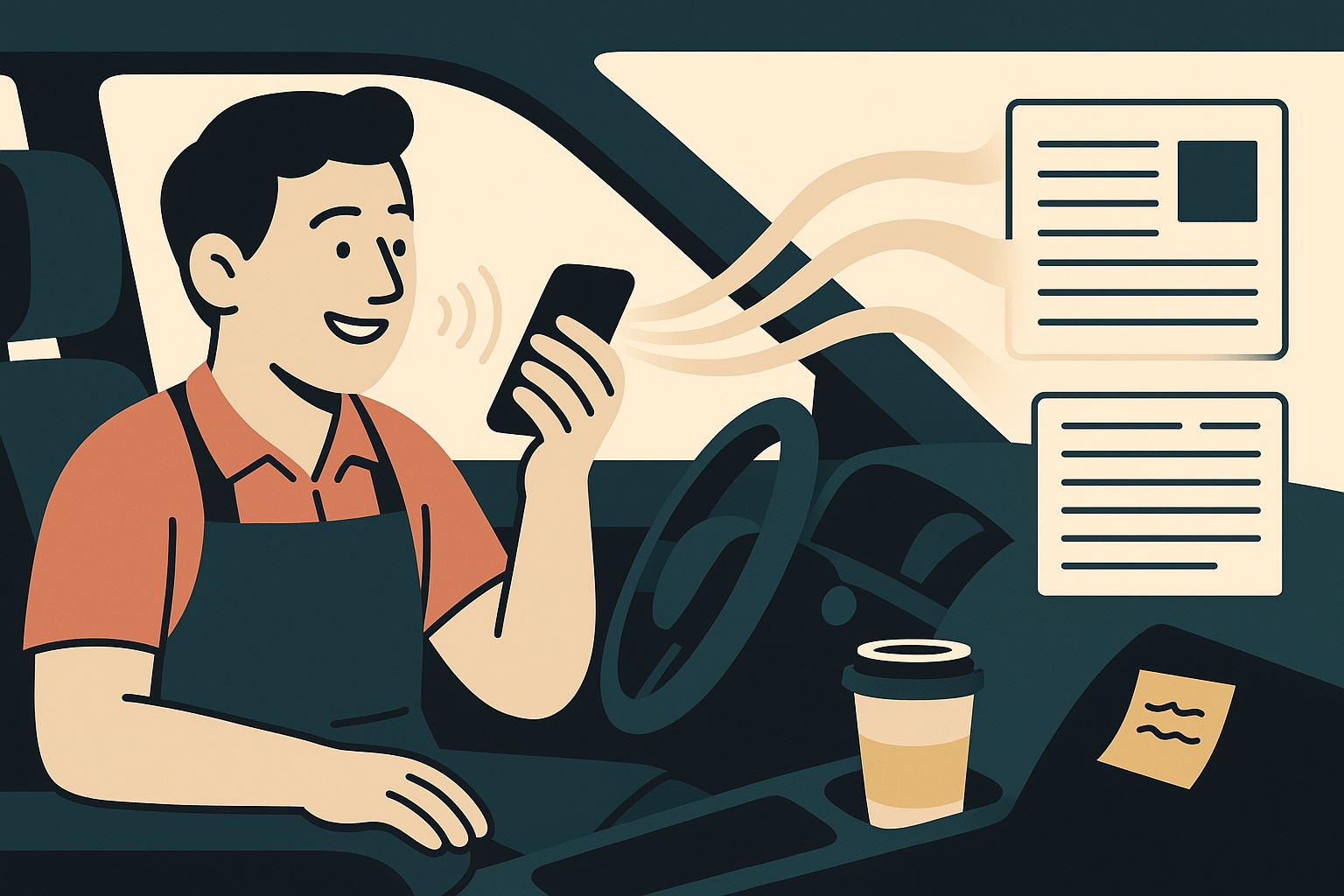
Dictate Your Drafts: Use Voice Typing to Talk a Post Out Instead of Typing It
You explain your work out loud all day. You walk customers through options, answer the same questions on the phone, and tell new hires how things are done. Then you sit down to write a blog post or a long caption and the words stop coming. Voice typing fixes that. Instead of staring at a blank page, you talk the post out, let your phone or computer turn it into text, and edit what you said into something you are proud to publish.
Why Talking Beats Typing for a First Draft
It is faster. In a study from Stanford University, the University of Washington, and Baidu, people entering text on a phone did it about three times faster by speaking than by typing on the keyboard.
It also sounds more like you. When you type, you tend to write the way you think writing is supposed to sound. When you talk, you explain things the way you explain them to customers, with your own examples and your own phrases. That is the voice people already trust when they call you.
One thing to know going in: the same study found that dictated text left slightly more mistakes in the finished message than typed text did. Speaking gets the draft done. You still read it over before it goes live.
The Voice Typing Tools You Already Have
You do not need to buy anything. The tools are already on the devices you use every day.
On an iPhone
Turn on Dictation in Settings, under General and then Keyboard. In any app where you can type, tap the microphone on the keyboard and start talking. Apple’s Dictation guide covers the details, including the punctuation it adds for you and the commands you can say, such as “new paragraph.”
In Google Docs
Open a document, then choose Tools and Voice typing. Click the microphone and talk. Google’s voice typing instructions list the browsers it works in and the punctuation you can say out loud, like “period,” “comma,” and “new line.”
On a Windows Computer
Click into any text box and press the Windows key and H together. A small voice typing bar appears, and Windows types what you say. Microsoft’s voice typing page notes that it needs an internet connection and a working microphone.
How to Talk a Post Out, Step by Step
- Pick one question a customer asked you this week. “How often should I service my furnace?” or “What should I bring to my first appointment?” Real questions make the best posts, because other people are asking them too.
- Jot down three or four points. Just a few words each, on a sticky note or in your phone. This keeps you from wandering.
- Talk it through as if that customer were standing in front of you. Explain the answer the way you would at the counter or on the phone. Use the examples you always use.
- Keep going, even when you stumble. Do not stop to fix a word. You will clean it up later, and stopping breaks your train of thought.
- Say “new paragraph” when you change topics. It saves you time later when you shape the draft.
- Edit it into a post. Cut the filler, tighten the sentences, and add a few headings so readers can scan.
- Read it out loud once more. If a sentence trips you up, it will trip up your reader too.
Tips That Make Dictation Work Better
Find a quiet spot. A parked car is a great office for this. Background noise is the most common reason dictation gets words wrong.
Keep the phone close and talk at a normal pace. You do not need to speak like a robot. Clear and natural works best.
Check names, numbers, and prices. Dictation often trips on business names, street names, and figures. Read each one carefully before you publish.
Be careful with AI cleanup. If you paste the transcript into an AI tool to tidy it up, ask it to fix punctuation and remove filler words without rewriting your sentences. Otherwise you lose the very thing that made talking worth it. Here is more on using AI tools without losing your voice.
Turn One Recording Into Several Posts
Ten minutes of talking often gives you more than one blog post. Pull the best two or three lines out for social media captions, and send a shorter version to your email list. Our guide to writing engaging social media captions shows how to shape a line into a post people respond to.
Make it a habit and you will have a steady list of posts that answer the questions customers actually ask, which is the heart of a blog strategy that brings in customers.
Frequently Asked Questions
Is voice typing accurate enough for a blog post?
For a first draft, yes. It gets the ideas down quickly in your own words. Plan on a read-through before you publish, especially for names and numbers.
Do I need special software?
No. The dictation built into your phone, Google Docs, or Windows is enough to start. Try those before paying for anything.
Does it work without an internet connection?
It depends on the tool. Apple says iPhone dictation runs on the device in many languages without an internet connection, while Windows voice typing needs one.
Get Your Ideas Out of Your Head and Onto Your Website
Most local business owners know exactly what to say to customers; finding the time to turn it into posts is the hard part. Digital Maestro creates and publishes social media and blog content for local businesses, built from your own words and expertise, so your knowledge reaches more people without taking over your week.






I use this option sometimes. When texting I typically type it out because I always have to go in and edit the voice text. Which seems double the work for me.
There are a lot of great tips on how to use it, within your blog post.
Typing is faster for short texts. Voice works best for long drafts, like a blog post. Talk the whole thing out first. Then fix it all at the end, not as you go, Cindy.
I have never tried this option for a blog post. I have tried it for newspaper articles, but it leaves too many mistakes, so I am wondering if it’s just not ready for prime time yet! Nevertheless, these tips are very helpful and I might try again.
Alice, these tools keep getting better. One trick helps a lot. Paste what you said into ChatGPT and ask it to fix only the spelling and punctuation. Your words stay yours.
That is brilliant, Paul!! Just brilliant. Because you are so right – when we write by typing, we can do easily slide into writing the way we think we’re supposed to, even if we’re determined to maintain our voice and point of view. But trying to say it out loud the way we would to a friend will capture the way we naturally talk. I’ve got to remember this!
It helps to picture one person while you talk. Pretend a customer just asked you a question. Answer the way you would in person. That is the voice your readers want to hear, Jeanine.
WOW I’ll have to check this out! My eyes aren’t the greatest anymore but once on the screen I can see to correct any spelling errors. I’ll have to try this, thanks Paul!