
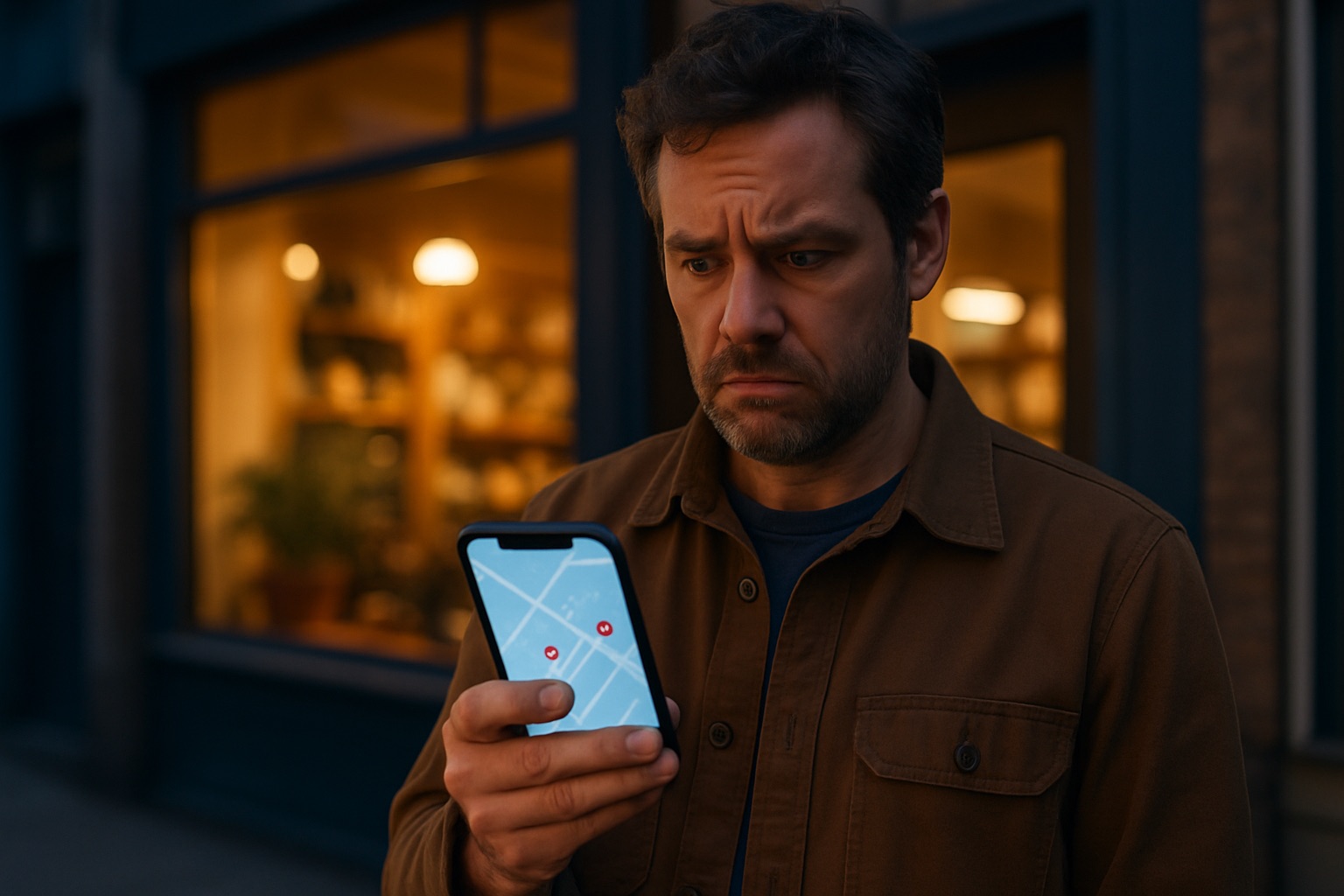
Why Isn’t My Business Showing Up on Google Maps? 9 Things to Check
You search for your own business on Google Maps and… there you are not. Meanwhile the competitor across town, the one with the outdated website, shows up third. Before you assume Google has something against you, take a breath. In almost every case there is a specific, fixable reason a business is invisible on Maps, and most of them take minutes to check.
One piece of context first. Google has said plainly that local results are based on three things: relevance (how well your profile matches what was searched), distance (how close you are to the searcher), and prominence (how well known and well reviewed your business is). Every check below feeds one of those three. Work through them in order.
Check #1: Is Your Google Business Profile Verified?
An unverified profile mostly does not show up, period. If you never finished the verification step (postcard, phone, email, or video, depending on what Google offers you), everything else on this list is moot. Log in to your profile and look for any banner asking you to verify. This is the first door, and it has to be unlocked before any of the rest matters.
Check #2: Has Your Profile Been Suspended?
Profiles get suspended more often than people realize, sometimes for a real violation, sometimes by mistake after an innocent edit. If your profile vanished suddenly, log in and look for a suspension notice. If you find one, do not create a new profile; that makes things worse. Follow the reinstatement process and be patient with it.
Check #3: Is Your Primary Category Right?
Your primary category is the single strongest relevance signal you control. A remodeler categorized as “General Contractor” will struggle in searches for “kitchen remodeling.” Pick the most specific primary category that truly describes you, then add secondary categories for the rest of what you do. Do not guess; look at what categories the businesses ranking above you use.
Check #4: Is Your Profile Actually Complete?
Hours, services, description, photos, phone number, website link. An empty profile tells Google you might not even be open. Fill in every section, add real photos of your work and your location, and keep your hours current, especially around holidays. Complete profiles simply have more to match against, and as we covered in how people interact with your profile, an inviting profile earns the clicks and calls that feed prominence.
Check #5: Are Your Address and Service-Area Settings Fighting You?
If you serve customers at their location and hid your address, Google shows you as a service-area business, and your visibility centers on the areas you list. If those areas are wrong or too broad, you lose. If you have a storefront, your address should be visible and exactly right, down to the suite number. And if you moved recently, make sure the map pin actually sits on your building; a misplaced pin quietly costs real customers.
Check #6: Do You Have a Duplicate Listing?
Two listings for the same business split your reviews, confuse Google, and can trigger suspensions. Duplicates happen after moves, rebrands, or when an old marketing company created a profile nobody remembers. Search Maps for your business name and your phone number and see what comes up. If there is a duplicate, report and merge it rather than leaving it to rot.
Check #7: Does the Internet Agree on Your Name, Address, and Phone?
If your website says one phone number, Yelp says another, and an old directory lists your previous address, Google has to guess which version is true, and guessing hurts trust. Pick one exact format for your name, address, and phone and make every listing match it. Tedious? Yes. It is also one of those unglamorous fixes that quietly moves the needle.
Check #8: How Do Your Reviews Compare?
Prominence is partly a numbers game: review count, review recency, and how you respond. If the businesses outranking you have 150 recent reviews and you have 12 from 2022, that gap is part of your answer. Build a simple habit of asking every happy customer for a review, and respond to what comes in. Reviews and rankings feed each other, and this is a factor you can genuinely influence every single week.
Check #9: Are You Testing From the Wrong Place?
Distance is a real ranking factor, and so is personalization. Searching from your own shop, logged into your own account, tells you almost nothing about what a customer three towns over sees. Yes and no moment: you might be “not showing up” only from where you happen to be standing. Test in an incognito window, try searches from different parts of your service area, and judge from your customers’ locations, not your office chair.
One Warning Before You Go Fix Things
You will run into advice suggesting you stuff keywords into your business name, like “Joe’s Plumbing | Best Emergency Plumber Near Me.” Do not. It violates Google’s rules, and it is a common suspension trigger. Your name on Google should be your actual business name. The honest fixes above are slower and they last.
Quick Answers to Common Google Maps Questions
How long does it take to show up on Google Maps?
Once your profile is verified, the listing itself usually appears within a few days. Ranking well takes longer, weeks to months, because prominence signals like reviews and engagement build over time. If it has been weeks and you are still invisible, work the nine checks above.
Can I pay Google to rank higher on Maps?
Not in the organic results. Google Ads can buy you a labeled sponsored spot on some map searches, but the moment the budget stops, so does the placement. The unpaid rankings cannot be bought, only earned through the relevance, distance, and prominence factors covered here.
Do I need a website to show up on Google Maps?
No, a verified profile can appear without one. But a website gives Google more evidence of what you do and where, and it gives customers a next step besides calling. Profiles with a solid site behind them generally compete better.
Why did my business suddenly disappear from Maps?
The usual suspects: a suspension, often triggered by a recent edit, a duplicate listing getting merged, or a change to your address or categories. Start with Check #2 and look for a suspension notice before assuming the worst.
Map visibility is worth the effort: “near me” searches are a gold mine because the person searching is usually ready to buy. If you have worked through all nine checks and you are still invisible, something deeper is going on, and that is worth a proper diagnosis rather than more guessing.





I wish I had seen this post several years ago when I had my small business and was struggling with this very issue. I just might have been able to fix the problem.
Barbara, that is the frustrating part. Most of these are quick fixes. But nobody tells a business owner where to look. Check #5 catches the most people. If you drive to your customers, you have to hide your address on your profile. Most owners never do it. Could people find you when they searched for your business by name?
This information you shared is helpful, Paul. I have not really paid attention to Google Maps. I appreciate the checklist and the Q&A. Thank you for your tips.
Danwil, thank you for reading it. A lot of people skip Google Maps because they think it is only for stores with a front door. It is not. If you ever want clients near you, that profile is the first place they look. Start with Check #1 and see if yours is even verified. Do you have a Google Business Profile set up yet?
What an awesome checklist Paul! We no longer have our business but I put our name in Google maps and it gave an accurate description of Mar-C’s Interiors and mentioned that after 53 years we closed. Then it went on to give other alternative design firms in the area we were. I actually never checked with we were in business!
Martha, 53 years is something to be proud of. Look at what Google did there. It kept your listing, marked it closed, and then handed your name over to other design firms. That is how much weight one profile carries in a town. If you ever start something new, claim the profile on day one.